
Prefill known context
Supported shortcode request values can reduce retyping for a known customer or campaign. Treat the URL as visible data and never place secrets in it.
Payment Page includes query-string prefill behavior and outbound HTTP actions; both should be configured with least-privilege data handling.
Supported shortcode request values can reduce retyping for a known customer or campaign. Treat the URL as visible data and never place secrets in it.
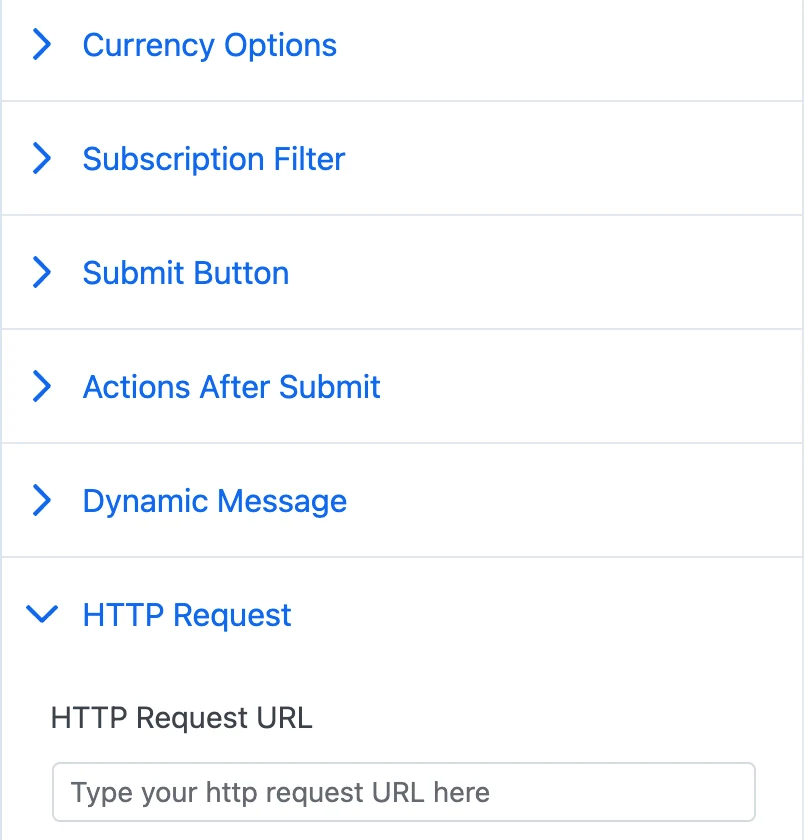
The webhook action can call an HTTP endpoint after a successful payment. Validate the receiver and send only the data it needs.
The receiving system should identify the payment and handle repeat delivery safely rather than creating duplicate records or side effects.
Start free on WordPress.org. Choose Pro when you want ACH Direct Debit or no Payment Page platform fee on Stripe payments.