
Form builder

Configure the payment details in WordPress

The WordPress and Elementor controls cover pricing, fields, payment methods, visual settings, and post-payment actions.

What it does

Build the form in WordPress, then publish it with the Payment Page shortcode or native Elementor widget.

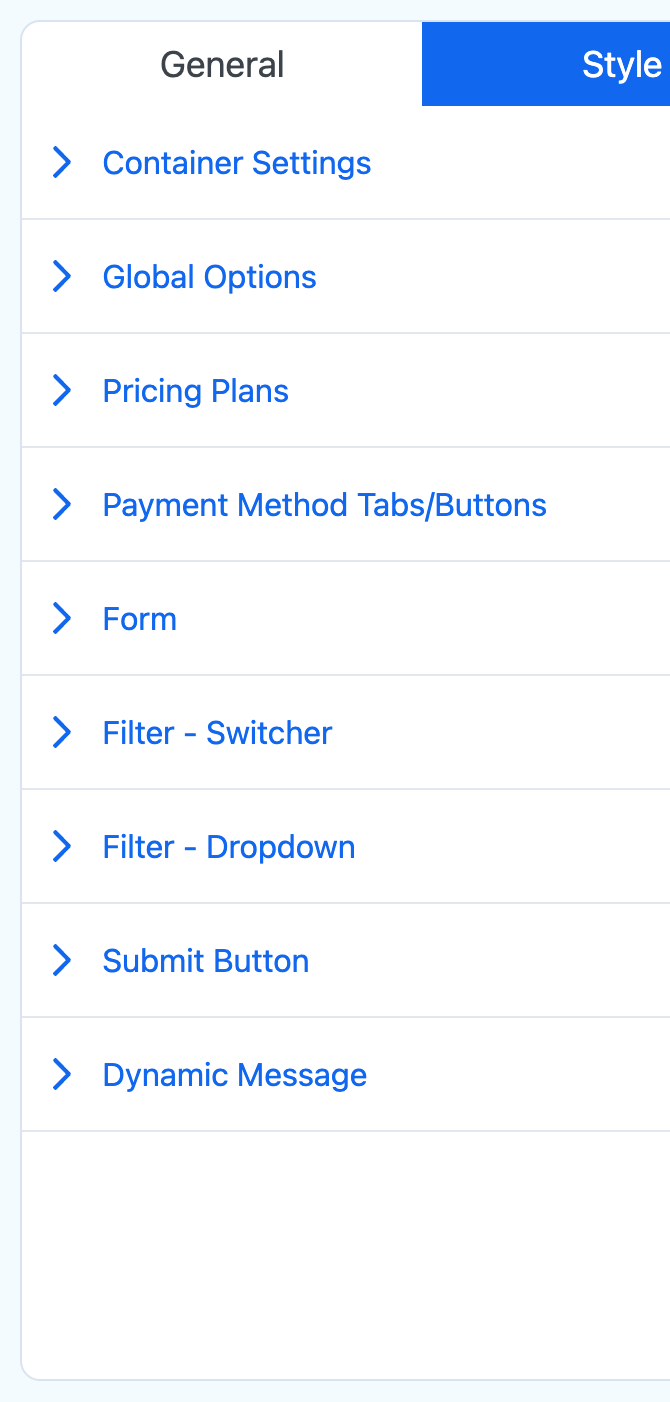
Payment Page form style controls in WordPressPublished blue Payment Page form
Styling controls alongside the published blue payment form.

Start with a Payment Form Template

Choose a Payment Form Template or start with a blank form.

Configure data and price choices

Set pricing options, available billing intervals, supported currencies, customer fields, and optional custom fields.

Publish without a product catalog

Use the shortcode on a standard WordPress page or choose a form from the native Elementor widget.

Good to know

A few practical details

  • The plugin does not replace a full cart, inventory, tax, or shipping system.
  • Payment Form Templates still need their prices, fields, gateways, and follow-up actions reviewed before publishing.
  • A template is a starting point, not a substitute for testing.

Build your WordPress payment form.

Start free on WordPress.org. Choose Pro when you want ACH Direct Debit or no Payment Page platform fee on Stripe payments.

Opens in a new tab.