
Show an accurate result
Configure separate success and failure content. Asynchronous methods such as ACH and SEPA may be processing before reaching a final state, so copy must not imply instant settlement.
Payment Page includes configurable result messages and email behavior so each form can tell customers what happens next.
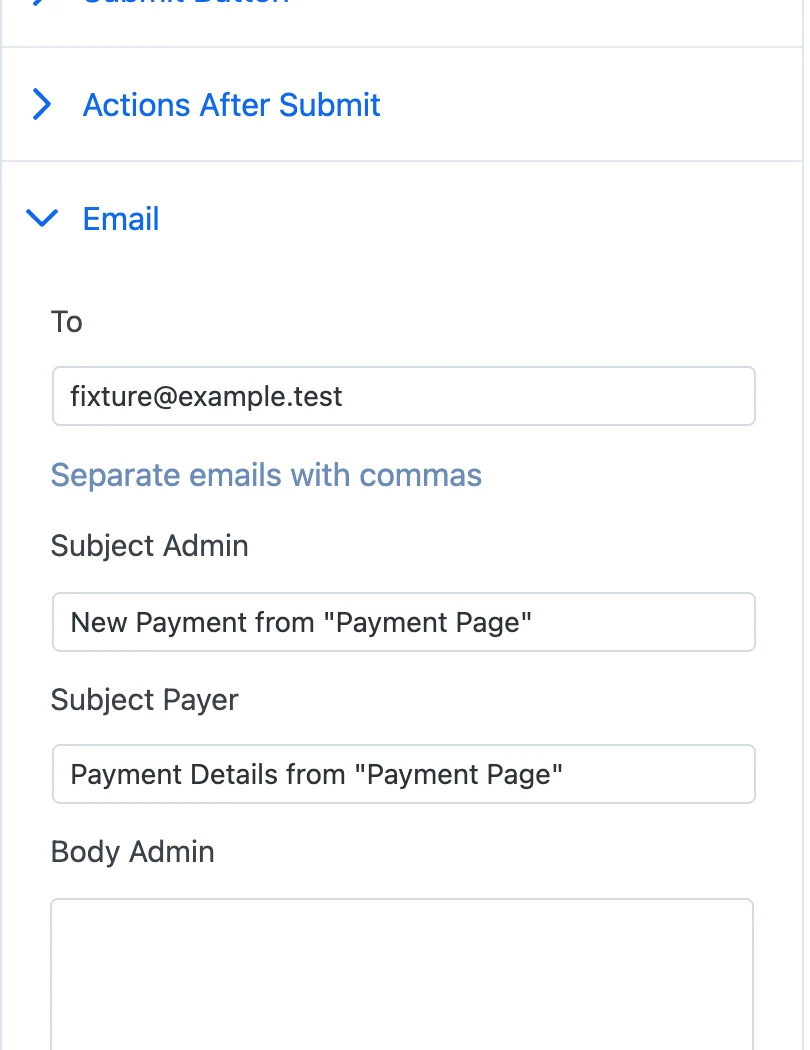
Configure separate success and failure content. Asynchronous methods such as ACH and SEPA may be processing before reaching a final state, so copy must not imply instant settlement.
Confirmation email settings include customer-facing content and a plain-text alternative. Actual delivery still depends on the WordPress site email configuration.
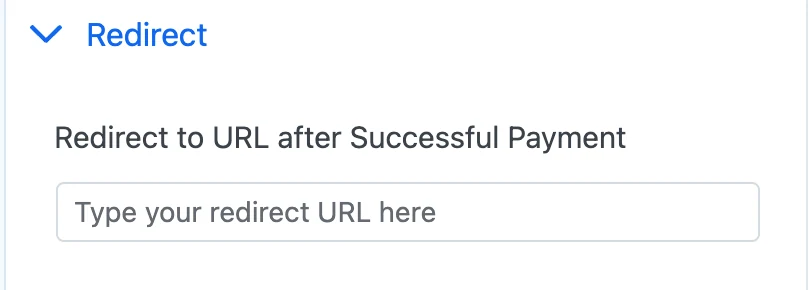
A redirect can send customers to an onboarding or download page, while an inline result can keep the payment details in context.
Start free on WordPress.org. Choose Pro when you want ACH Direct Debit or no Payment Page platform fee on Stripe payments.